19/10/2026 23:58
Can Shoppers Hear the Clasp? YouTube Audio Library for Cambodian Leather Workshops
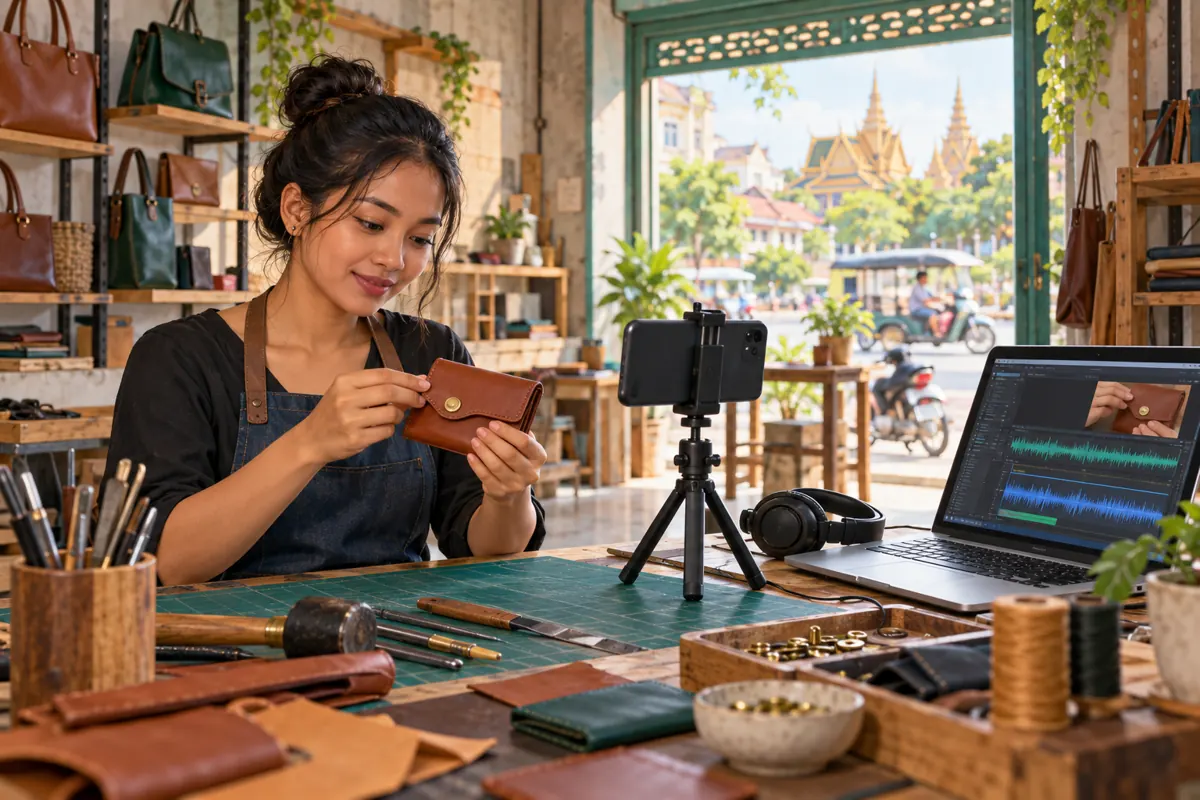
A wallet demonstration can look polished while leaving the buyer’s main question unanswered. If background music covers the clasp closing or the explanation of the card pockets, the soundtrack has displaced useful information. For Cambodian leather workshops promoting products through YouTube, audio deserves the same attention as lighting and close-up shots. This workflow starts with what shoppers need to hear, then covers music selection, attribution, listening checks and promotion decisions. A hypothetical Phnom Penh wallet workshop provides the working example throughout; it is an illustration, not a customer case study or a claim about results.
1. Decide what the sound must explain
Before browsing music, write the question the demonstration should answer. For the hypothetical workshop, it is: does the wallet close comfortably with the intended contents inside? The video should show the contents, the closing action and the result. Sound can support that explanation, but a satisfying click alone does not establish durability, capacity or quality. Keep the visible demonstration and spoken claims equally precise.
Make a short listening plan with three categories: speech, product sound and atmosphere. Speech includes the model name and any limits on what is being demonstrated. Product sound includes the actual clasp closing. Atmosphere includes optional music during a finished-product shot. Giving each category a purpose makes it easier to remove a soundtrack that contributes mood but interferes with understanding.
2. Record a usable version before adding music
Listen to a short test recording at the workbench. A fan, passing motorbike or nearby radio may be more noticeable through the microphone than it seems in the room. Move closer to the speaker, choose a quieter recording moment or reposition the phone without blocking the hands. Stop background music during the recording so it does not become inseparable from the explanation.
Record the clasp demonstration with the real wallet used on camera. Leave a brief pause before and after closing it, giving the editor room to make a clean cut. Avoid replacing a weak recorded click with an exaggerated stock effect: viewers may interpret that effect as the product’s actual sound. If an important sentence is unclear, recording it again is usually more useful than trying to hide the problem beneath music.
3. Find a track through the official Audio Library
YouTube’s official guidance places the Audio Library in YouTube Studio’s left menu. Its music search supports filters including mood, genre, duration and attribution. Preview candidates there and download the selected track. Use the official library rather than assuming that a video elsewhere titled copyright-free offers the same permissions.
For this workshop, compare a quiet instrumental option with a version containing no music. Listen alongside the spoken explanation, not just to the track by itself. Busy percussion can compete with a clasp click, while a prominent melody can distract from model details. A track that sounds attractive alone may be unsuitable beneath speech. Choose according to the demonstration’s needs rather than an assumed connection between a musical style and Cambodian shoppers.
4. Match the credit to the selected track
YouTube explains that Creative Commons tracks in its Audio Library require artist attribution in the video description. Open the track’s licence information and copy the supplied attribution text. The library also offers an Attribution not required filter. An automatically displayed Music in this Video section does not replace a required description credit.
Keep the selected track’s title, artist, downloaded filename, licence information and required credit together in the editing notes. Record when you checked them and which video export uses the track. This small record helps when another employee revises the video later. If the editor changes the music, update the record and the description together; a credit copied from an earlier project may refer to the wrong recording.
5. Give music a limited job in the edit
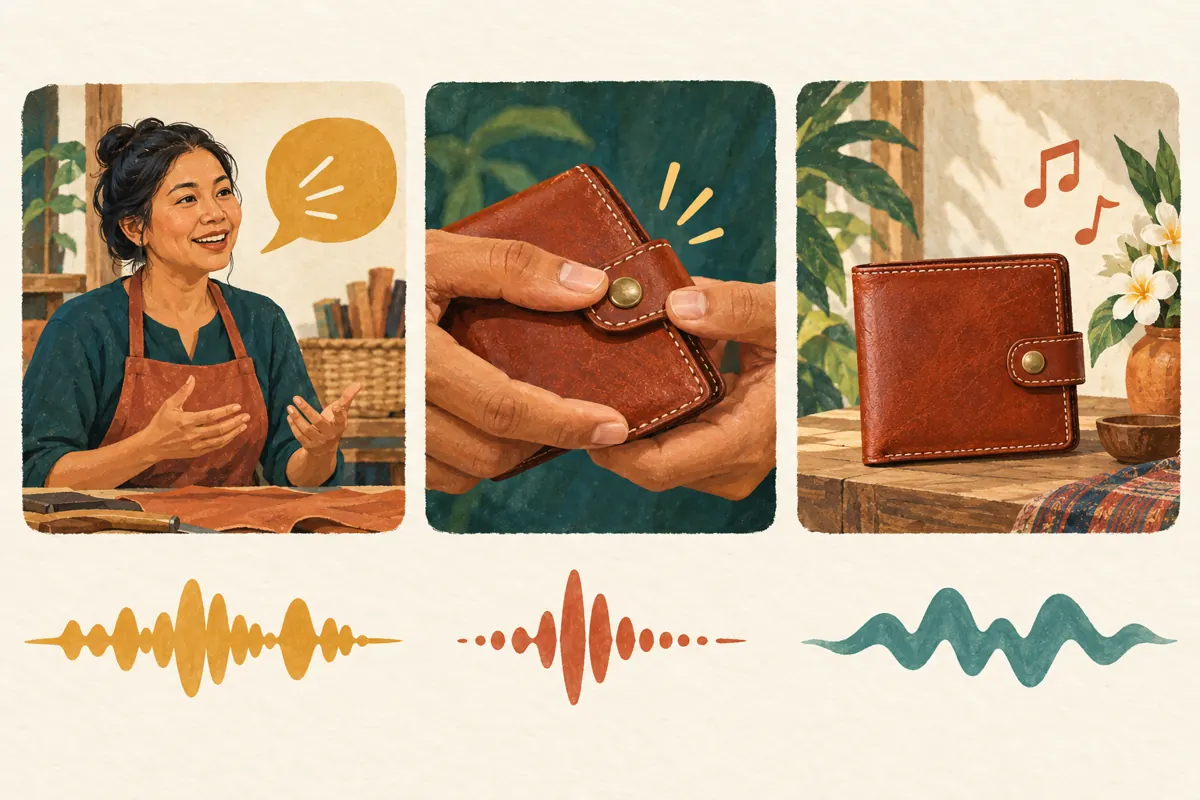
Build the first edit around intelligible speech and the real product demonstration. Add music only after those parts work. In the hypothetical wallet video, music might accompany the opening product view, become quieter under the explanation and disappear during the clasp demonstration. It can return during the closing beauty shot if that transition feels natural. These are editorial choices, not requirements for YouTube distribution.
Keep voice, camera sound and music on separate editing tracks where your software allows it. This lets you adjust one without damaging the others. Use gradual changes instead of abrupt volume jumps, and listen across each transition. There is no universal volume percentage that works for every recording: source loudness, voice clarity and the playback device all affect the result. Judge whether the words remain effortless to understand.
6. Run a phone-speaker comprehension check
Export a review copy and play it through an ordinary phone speaker at a comfortable volume. Then listen with headphones. The phone check reveals whether the explanation survives everyday playback; headphones can expose distracting edits, background sounds and sudden transitions. Neither check needs expensive equipment. Test the exported file rather than relying solely on what you heard inside the editing software.
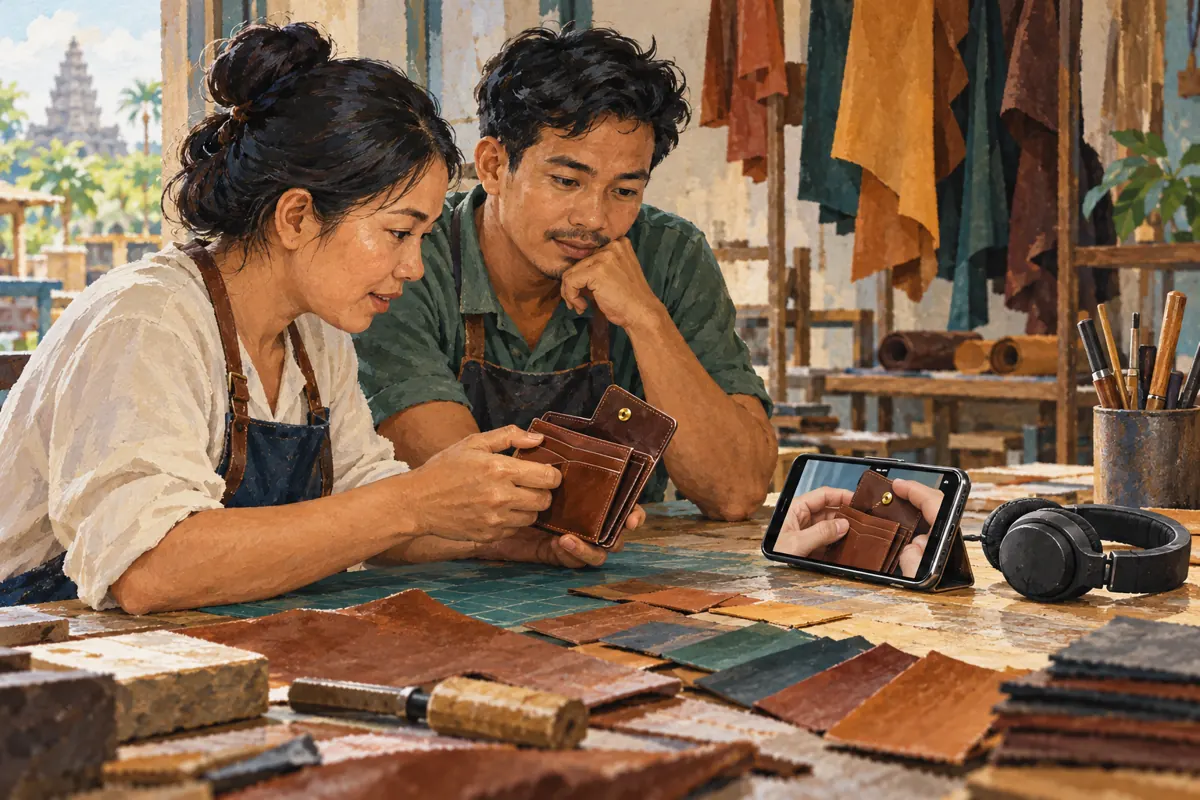
Ask a colleague who did not edit the video to explain what the wallet demonstration showed. Could they identify the model, describe the contents and understand any limitation? Ask which words they missed before telling them what the script says. A listener who already knows the script can unconsciously fill gaps. If understanding depends on turning the volume up repeatedly, revise the mix or recording before spending time on promotion.
7. Make a deliberate language and silent-viewing choice
Choose the spoken language around the customers the workshop actually serves. A Khmer explanation may suit one customer group, while another demonstration may need an English version. Do not add competing spoken translations over the same sentence. If preparing separate versions, review each mix independently because sentence length and pauses will change where music interferes.
Also watch the export with sound muted. The visible action should still make sense: show the wallet open, the intended contents and the completed closing action. Put essential model information and limitations into readable visual text or carefully reviewed captions where appropriate. This does not replace a good audio mix. It creates another way to understand the demonstration when a viewer cannot listen, without making sound the only carrier of important information.
8. Keep a separate plan for reuse elsewhere
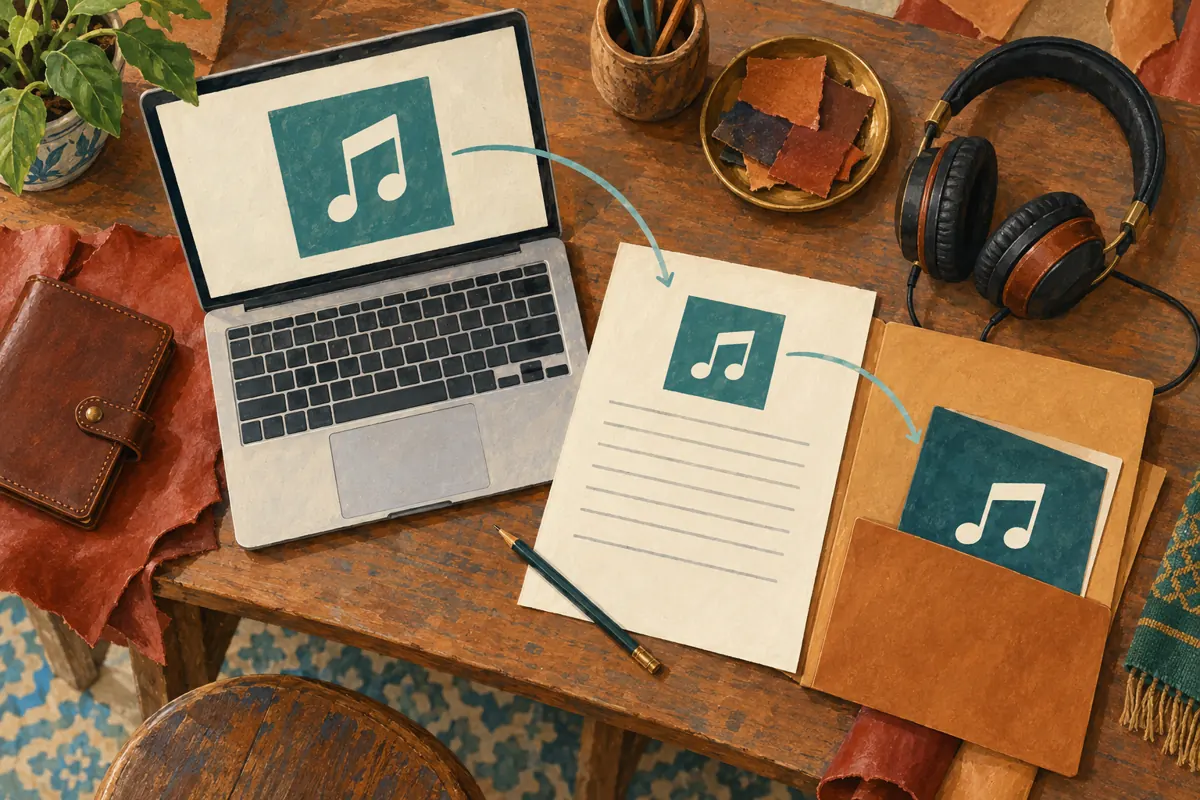
A workshop may want to reuse the demonstration on Facebook, TikTok or a shop display. Do not treat the YouTube upload as blanket permission for every destination. YouTube’s Audio Library guidance explicitly does not resolve off-platform music issues. Review the selected licence for the intended reuse instead of assuming that a downloadable track has unrestricted use everywhere.
Save an editing version with speech and original product sound but no added music. That makes it easier to prepare another version if a destination needs a different soundtrack or permission check. Name exports clearly enough to distinguish the destination and revision. A colleague should not have to guess whether the file approved for YouTube is also the file cleared for another placement.
9. Apply a policy check before any panel purchase
The supplied smm-cam.com catalogue includes the exact service name “YouTube Like ~ Max 50k ~ 50k/days ~ Instant ~ 𝗥𝗘𝗙𝗜𝗟𝗟 30D”. Its title presents it as a YouTube likes offer, but the supplied description is empty. There is no supporting detail here about its delivery method or audience. Treat the title’s speed and refill wording as catalogue claims, not verified outcomes or proof of platform approval.
YouTube prohibits artificial increases in views, likes and other engagement, and says a hired promoter’s actions can affect the channel. Do not proceed with a service that artificially inflates those metrics. Purchased engagement is not evidence of genuine interest, sales, ad delivery or Cambodian users. A clearer soundtrack does not change that limitation. For this workshop, the practical next step is to share the useful demonstration through relevant, permitted channels and answer actual product questions.
10. Review questions instead of declaring a music winner
After sharing the video, note the questions people ask. If viewers repeatedly ask whether the clasp was shown with the wallet filled, inspect the demonstration before blaming the soundtrack. If they mishear the model name, return to the spoken section. Keep observations specific: a recorded enquiry is useful evidence of that enquiry, while a change in a public counter does not explain why someone watched.
Avoid declaring that one track increased sales because orders happened after publication. Product availability, referrals, pricing and other posts may also have influenced enquiries. A small workshop can still make sensible improvements without claiming causation. Record the problem, the change and what remains uncertain. That produces a practical editing history and helps the next demonstration answer customers more clearly.
Frequently asked questions
Does every leather-product demonstration need background music?
No. A clear voice and the natural sound of handling the product may provide everything the viewer needs. Music is useful when it supports a deliberate mood or transition, but silence between explanations is not automatically a defect. Compare both versions against the buyer’s question. If removing the music improves comprehension without losing anything useful, keep the simpler version.
Can we add a louder clasp effect so viewers understand the action?
Prefer a clearer recording of the actual product. A stock click can imply that the wallet sounds different from how it really does. You can improve the recording position, reduce competing background noise or repeat the demonstration. A visual close-up also helps explain the action. Avoid turning an illustrative sound effect into apparent evidence of the product’s construction.
What should we do if the editor cannot identify the music source?
Pause approval of that export and ask for the original source and licence information. A filename or a statement that the track was free is not a usable permissions record. If the source cannot be established, replace the track with one whose terms you can check, or remove it. Recheck the mix and description after making the replacement.
Should we choose music because it feels locally familiar?
Familiarity can be an editorial consideration, but it does not establish permission or customer preference. Avoid assuming that all Cambodian viewers share one musical taste. First protect the explanation, then consider whether the mood fits the workshop and product. If local music is important to the concept, obtain a recording with suitable documented rights rather than copying a familiar song.
Will panel likes help establish that the new audio is better?
No. Purchased likes cannot tell you whether a listener understood the explanation, heard the clasp or wanted to buy the wallet. They also raise the platform-policy issue described above. Use direct comprehension checks to evaluate clarity, and keep actual enquiries in a separate business record. Even genuine likes alone are too limited to diagnose a particular audio change.
Explore the current service catalogue, create an account, or ask a specific question through support tickets.
- YouTube Help: Use music and sound effects from the Audio Library
- YouTube Help: Fake engagement policy
Prepared with AI assistance. Illustrations explain the workflow and do not represent customer results.