22/10/2026 14:44
Fast Hands or Faster Playback? YouTube Speed Checks for Cambodian Macramé Shops

A knot demonstration can look effortless to the person who filmed it and impossible to the customer watching it. For a Cambodian macramé shop promoting cord kits, handmade decorations or workshops, that gap matters. Before spending time or money promoting the video, find out whether the viewer has accelerated playback, the editor has shortened the movement, or the camera has hidden an essential step. Each problem needs a different response. This workflow helps a small shop review an ordinary YouTube demonstration, make useful corrections and judge promotional options without confusing engagement counts with understanding or buying interest.
1. Decide what the demonstration should help someone do
Start with one viewer task. A finished-product showcase might help someone compare the appearance of two plant hangers. A kit demonstration might help a beginner identify the working cords. A workshop preview might show the teaching pace. These videos can feature the same materials, but they need different amounts of detail. Write the intended task before deciding that the footage is too fast.
For a hypothetical shop in Phnom Penh, the task could be: help a beginner see which cord passes through the loop before tightening. The review question then becomes concrete. Can someone identify that cord and its route? A beautiful finished knot does not answer it. Keep product details nearby, including whether the promoted item is a finished hanger, loose cord or a kit, so a clear lesson also leads to a clear commercial enquiry.
2. Establish a normal-speed viewing baseline
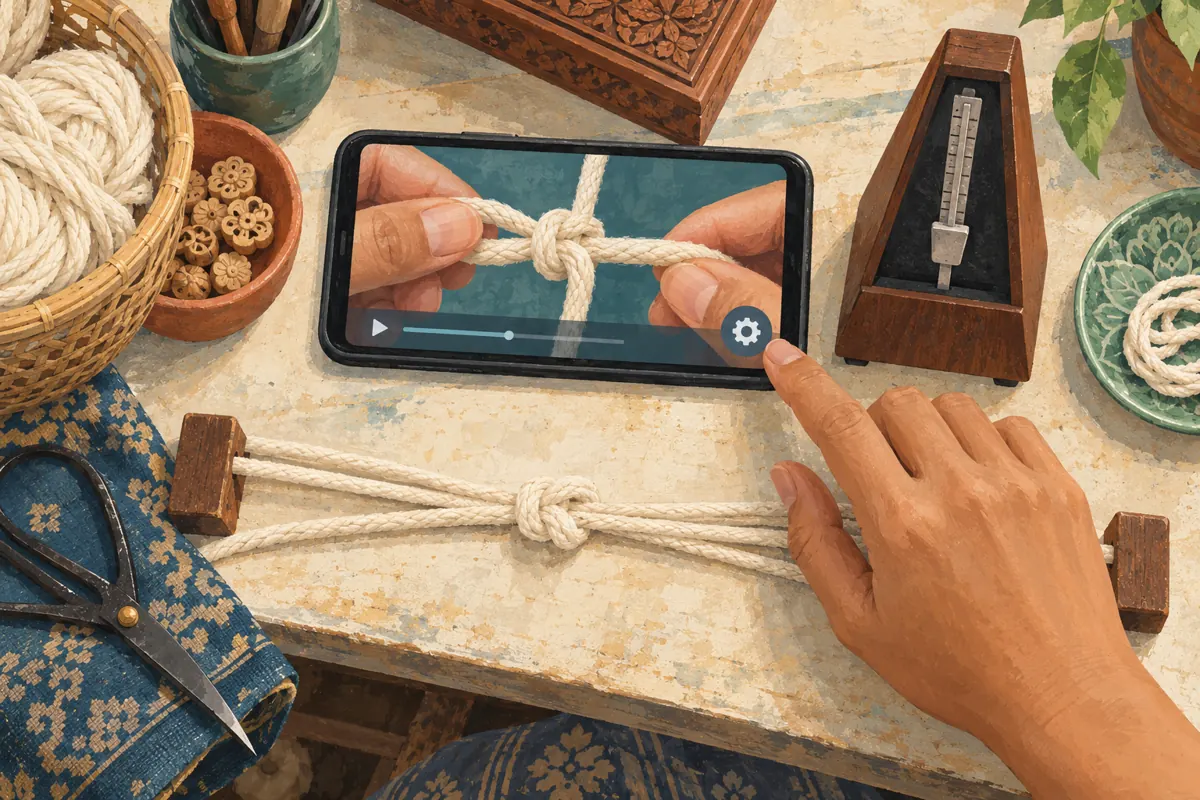
YouTube’s official playback guidance explains that viewers can change speed on many devices. On Android, open the video, tap the player, open Settings, choose Playback speed and select the desired speed. Begin your review at normal speed. The same guidance notes that speed controls may be unavailable on some televisions and streaming devices. Avoid assuming every customer can use the same controls.
Review the actual public video on the device you use for customer support. Record the video link, the troublesome moment and the speed you selected. Ask another colleague to check their own setting before comparing impressions. If one person watches accelerated playback while another watches normally, their comments describe different experiences. This simple baseline prevents the shop from refilming a perfectly readable sequence because of a viewer setting.
3. Separate playback speed from speed built into the edit
Normal playback means the player is showing the uploaded sequence at its normal rate. It does not establish that the original hand movement was recorded or edited in real time. A clip accelerated during editing still looks accelerated when played normally. Ask the editor whether the knot segment contains speed changes, removed pauses or cuts between intermediate positions.
Compare the source recording with the exported demonstration if your team has both. Look for the moment when a loose loop suddenly becomes a tightened knot. If the intervening movement was cut out, slowing playback cannot restore it. If the whole action remains visible but runs too quickly, a revised edit may solve the problem. Keep this diagnosis in the review note: missing movement, accelerated movement or difficult viewing. That wording tells the next person what to fix.
4. Test the exact movement at a slower setting
Replay the troublesome segment more slowly using an available speed option. Use this as an observation tool: can you now follow the cord from its starting position to its destination? Look at the loop opening, the path behind or in front of the other cords, and the final tightening direction. Avoid judging the entire video from the opening shot alone.
A hypothetical reviewer might discover that the crossing is visible when slowed, but the instructor’s thumb covers the loop during the pass. That is partly a camera problem, even though slower playback helps. Another reviewer might see every movement clearly and simply prefer more time to practise. Record those findings separately. Slower playback can support an individual learner; it should not become the shop’s automatic answer to every complaint about an unclear demonstration.
5. Refilm hidden steps with a deliberate teaching view
When fingers obscure the cord route, change the filming setup. Place the work against a plain surface that contrasts with the cord. Keep the camera steady and frame enough of the working ends to show where they travel. Test the view with the actual hand position, because an empty workbench can look clear while the demonstration itself becomes crowded.
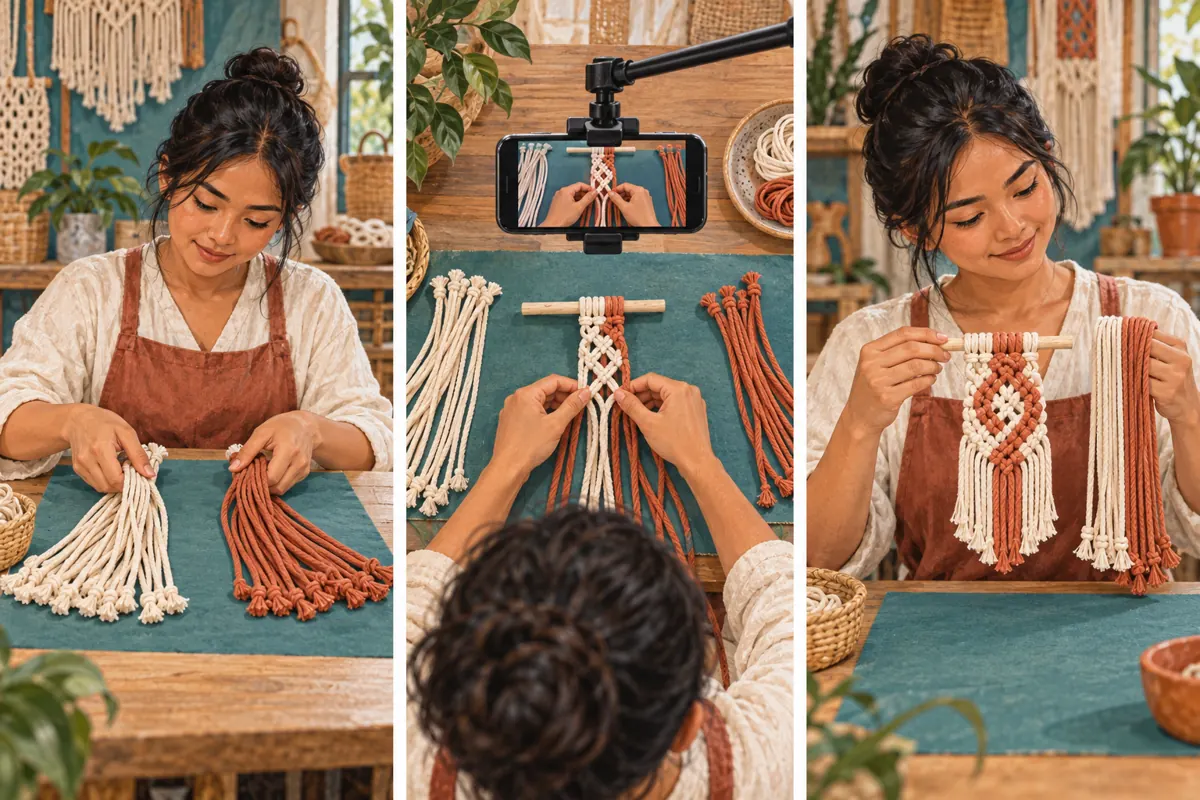
Use contrasting cord colours for the teaching sample when that makes the route easier to follow. Explain that the sample colours are instructional if the sale item uses one colour. Show the starting arrangement, perform the difficult pass, briefly hold the intermediate position and then tighten. Maintain a consistent viewpoint through that passage. A sudden change from the instructor’s view to the opposite side can make the same movement appear reversed, particularly for a beginner following along.
6. Match narration to the movement customers can see
For a Khmer-speaking audience, prepare the explanation in the language customers use when asking questions. Have a fluent colleague check the practical meaning of directional wording. The instruction should identify the cord and its route at the moment they appear. Avoid saying only “put this here” while several similar strands fill the frame.
Leave space between naming an action and moving to the next one. Do not fill every pause with a sales message. In a hypothetical kit demonstration, the speaker could identify the outer working cord, show its passage through the open loop and then explain tightening. Product availability can follow after the action. If the shop also serves English-speaking customers, review the second explanation against the same footage rather than assuming a direct translation will fit the existing timing.
7. Run a practical comprehension check before promotion
Ask a colleague who did not edit the video to watch the difficult passage. Give them a small cord sample and a specific task, such as identifying the strand that moves next. Do not coach them through the answer while assessing the footage. Their question may reveal a missing starting position, an ambiguous direction or an unseen pass.
Treat this as an internal quality check, not proof that every customer will understand. Record the observed difficulty in ordinary language: the reviewer confused the centre cords with the outer cord, for example. Make the smallest change that addresses it, then review that passage again. Preserve useful pauses even if the video becomes slightly longer. A concise demonstration includes the information required for its task; removing an essential movement only makes the runtime shorter.
8. Put SMM panel decisions after the content review
A catalogue entry cannot resolve a teaching problem. The supplied public example “YouTube Like ~ Max 500k ~ 50k/days ~ Instant ~ 𝐍𝐎 𝗥𝗘𝗙𝗜𝗟𝗟” is labelled as a YouTube like service. Its description is empty. The name does not provide verified evidence about delivery methods, audience location or genuine interest. Treat its quantity and timing wording as catalogue claims, not established performance.
YouTube’s fake engagement policy prohibits artificially increasing metrics and warns that a hired promoter’s methods can affect the channel. Reject promotional methods that violate those rules. Purchased engagement is not evidence of comprehension, sales, ad delivery or Cambodian viewers. If a provider cannot clearly explain a compliant method, leave the service out of the plan. A useful next step may instead be sharing the reviewed demonstration through the shop’s own customer communication channels where it answers a relevant question.
9. Promote the right promise and prepare a helpful reply
Describe what the video actually contains. If it shows one knot used in a hanger, do not present it as a complete start-to-finish hanger lesson. If repeated sections are accelerated, explain that distinction in the surrounding copy. Customers should understand whether they are seeing a technique sample, a full tutorial or a product preview before they invest time following it.
Prepare a short support response for viewers who find the motion too fast. First ask which part they cannot follow, then suggest checking playback speed or offer the clearer demonstration as appropriate. Avoid implying that the viewer lacks skill. For a Cambodian shop taking enquiries through chat, connect the answer to the relevant product only after resolving the question: identify the kit or cord shown, and confirm current contents before discussing an order.
10. Review questions without turning counts into conclusions
After promotion, keep a small log of the practical questions customers ask. Separate difficulty following the knot from questions about cord thickness, colour availability, collection or workshop dates. This helps the shop choose its next improvement. Repeated questions about the hidden loop suggest a demonstration issue; questions about kit contents suggest the offer needs a clearer explanation.
Keep any promotional purchase records separate from this feedback. An order marked complete does not establish that a learner understood the action. A viewer asking a detailed question is useful feedback, but still not a confirmed sale. Record an order only when your normal business process confirms it. Review the demonstration again when the kit, teaching method or product changes, so future promotion does not keep directing people to instructions that no longer match what the shop supplies.

Frequently asked questions
Should we tell every customer to slow down the video?
Offer it as an option when the complete action is visible and a viewer wants more practice time. First establish which movement is confusing. If the camera hides the loop or the edit removes the pass, slower playback will leave the same information missing. Supply a clearer explanation or revise the demonstration.
Can we use accelerated footage in a macramé promotion?
Yes, as an editorial choice for showing repetitive work or an overall process, provided the presentation is honest about what viewers are seeing. Keep the essential teaching passage clear and distinguish any accelerated overview from it. Do not use a shortened montage to imply that a beginner can complete the project in the displayed runtime.
What should we do if a customer cannot find playback-speed controls?
Ask which device they are using and consult the official YouTube instructions for that device. Some television and streaming-device experiences may lack the option. Make the explanation useful at normal speed and offer a clearer demonstration or still reference rather than making access to a particular control necessary for understanding.
Does a higher like count show that the revised lesson is clearer?
A like count does not explain what someone understood. Review specific questions and observe whether a test viewer can identify the previously confusing movement. Purchased likes cannot validate that result or establish Cambodian interest. Keep content-quality observations, promotional records and confirmed customer orders as separate evidence.
What is the smallest useful review record for a busy shop?
Keep the video link, the confusing moment, the playback setting tested, the observed problem and the agreed correction. Add the reviewer’s name and review date so a colleague can follow up. A brief note such as “loop hidden during pass; refilm from above” is more actionable than “make the video better.”
Explore the current service catalogue, create an account, or ask a specific question through support tickets.
Prepared with AI assistance. Illustrations explain the workflow and do not represent customer results.