19/10/2026 07:06
Can Shoppers Watch the Demo on Your Website? YouTube Embeds for Cambodian Furniture Shops

A furniture demonstration can answer a question that photographs leave unresolved: how does the table fold, where does the locking mechanism sit, and what does the folded item look like? If customers must search your YouTube channel to find that explanation, some may abandon the task. Placing the relevant video on the product page gives visitors another way to examine the item while its details and contact options remain nearby. For Cambodian businesses considering SMM panel services, this creates a useful starting question: does the shop need more exposure, or does the existing shopping journey need a clearer demonstration? This workflow explains how to choose, embed and test one video before spending money on promotion. All business scenarios below are hypothetical.
1. Start with the question the product page cannot answer
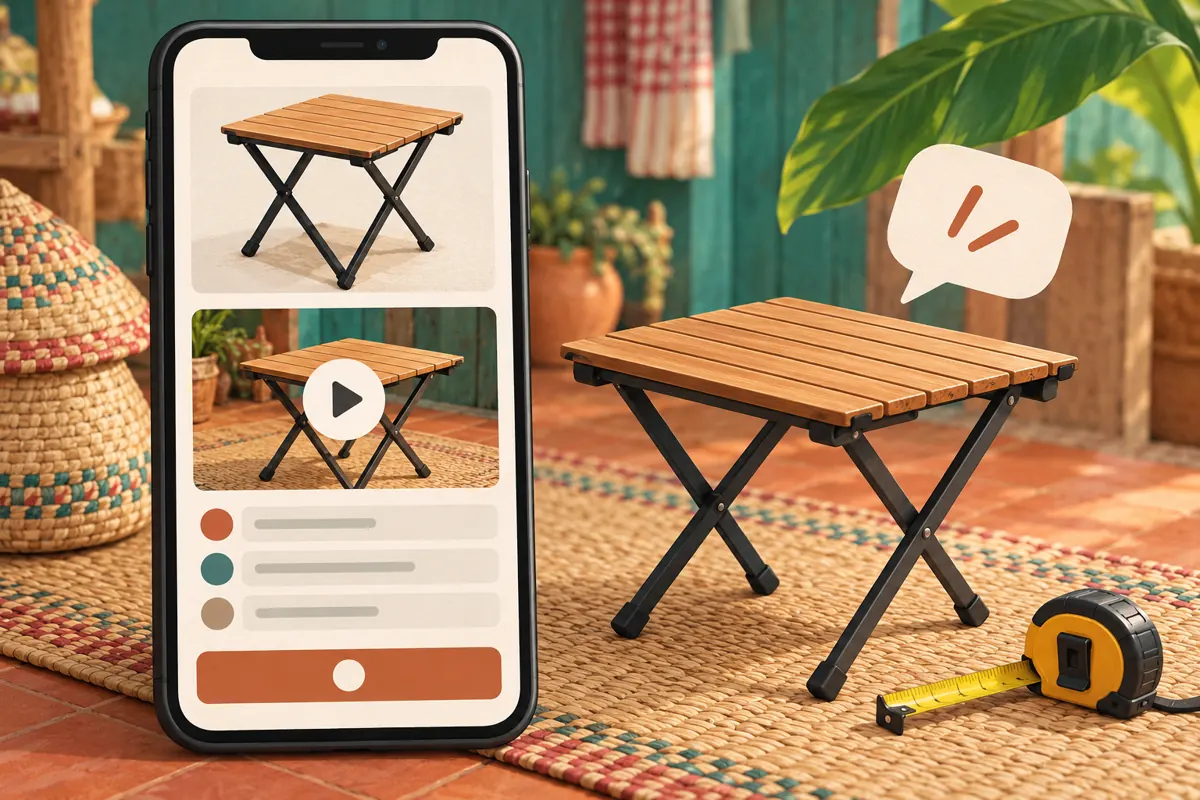
Imagine a Phnom Penh furniture shop selling a folding table to households and small cafés. Its photographs show the tabletop and finish, but visitors repeatedly ask whether the legs fold underneath. The owner already has a demonstration on YouTube. The immediate task is to make that explanation available where people compare the product, then check whether shoppers can understand it.
Write a narrow purpose for the embed: help a visitor see how this particular table folds before asking about availability. Avoid a vague objective such as making the page popular. A useful purpose tells the editor which footage belongs on the page, tells the tester what to look for, and gives the salesperson a sensible follow-up question. It also prevents a rising video count from becoming the only definition of success.
2. Choose between an embedded video and an ordinary link
An embed places a playable video within the webpage. An ordinary link sends the visitor to its destination. Choose an embed when seeing the action alongside product details helps the buying decision. Choose a clearly described link when the website cannot support a dependable player or when maintaining the integration would exceed the team's capacity.
A shop without a website does not need to commission one merely to use this workflow. It can share the relevant YouTube link in an appropriate customer conversation. For a shop with an existing catalogue, begin with one product page. Ask whoever maintains the site whether its editor supports YouTube video blocks or embedded content. Confirm what they need before sending code or purchasing an extra website component.
3. Select the exact demonstration and check its limits
Watch the complete candidate video. Check that its frame, hinges and locking parts match the product currently offered. A demonstration of a similar model can create an expensive misunderstanding if the folding action differs. If the footage includes several products, choose a dedicated demonstration when possible, or explain clearly which item the relevant segment shows.
Keep the demonstration factual. Show the operation at a pace viewers can follow, with hands and moving parts visible. Do not infer a weight limit, weather resistance or safety certification from an attractive demonstration. For the hypothetical shop, the video might show opening, securing and folding the table; verified dimensions and care instructions belong in the accompanying product information. Obtain permission for any footage the business did not create, and avoid showing customer paperwork in the background.
4. Prepare a small, reviewable embedding brief
Send the website editor the product page address, the exact YouTube watch link, the intended position and one sentence describing the video's purpose. Include the product model reference so the editor can verify the match. This is enough to start a focused implementation without sharing account passwords or giving an outside supplier access to unrelated business systems.
YouTube's official embedding instructions use Share, then Embed, on a computer; the resulting code goes into the website. Give that task to the person responsible for the site if its editor requires technical work. Keep a separate ordinary watch link available as a fallback. Record who will approve the page and who will replace the video if the product changes. YouTube Help's Embed videos & playlists page is the source for the embedding steps.
5. Place the video where it answers the buying question
Put a short explanation immediately above the player, such as an invitation to watch the table open and fold. Below it, provide the facts a visitor needs next: the model reference, confirmed dimensions, available finish information and a clear way to enquire. Avoid surrounding the demonstration with several unrelated clips that compete for attention.
For Cambodian delivery enquiries, ask initially for the town, district or general delivery area rather than a full private address. The shop can collect detailed delivery information later when necessary. Make the contact prompt specific enough to preserve context: ask about this table and mention the model reference. A visitor who cannot play the video should still be able to identify the product, read its essential details and contact the shop.
6. Keep playback under the visitor's control
For this workflow, ask for playback to begin when the visitor chooses it. Someone comparing furniture on a phone may be in a quiet workplace or sharing a connection. Unexpected sound can interrupt the task. Keep the controls accessible, and ask the editor to check that the player fits the page without forcing sideways scrolling.
Google's player documentation provides settings for controls and caption defaults. Those settings do not create missing caption tracks, so check the actual video and available captions. Prepare understandable Khmer captions where appropriate for the intended customers, and review technical product terms with someone who knows the item. Google also specifies a minimum player viewport of 200 by 200 pixels. The website editor should respect that requirement while testing the layout on narrow screens. These details are documented in YouTube Embedded Players and Player Parameters.
7. Test the published page as a visitor would
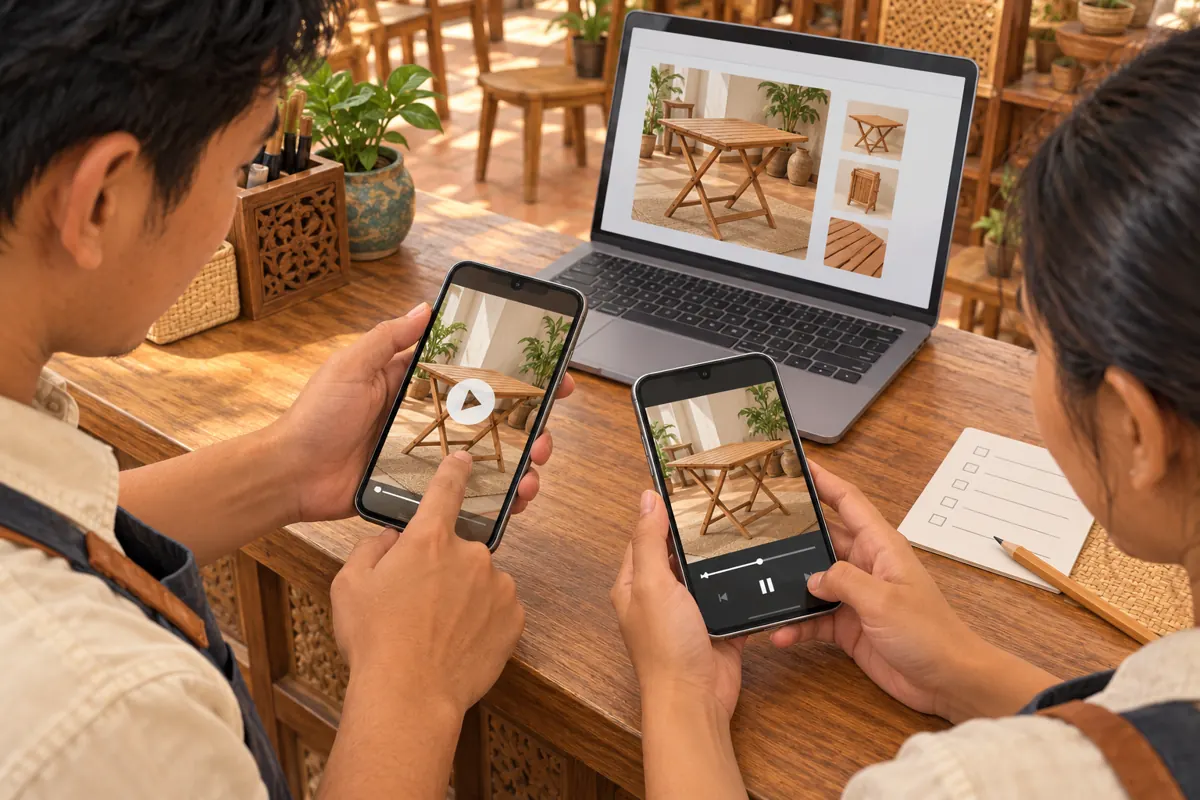
Open the actual product page on a phone without relying on the website editor's preview. Check the initial page, start playback, pause, change volume and return to the product details. Try the fallback watch link and the enquiry option. Where practical, repeat on another phone and through the app from which customers commonly open your links.
Describe failures precisely. The player never appearing, the wrong product appearing, and playback stopping after a tap are different problems. Note the page address, device, browser and visible error, without including private customer information. YouTube documents error 153 when the required HTTP Referer information is missing; send that finding to the site maintainer instead of trying random player changes. An ordinary watch link offers visitors another route while the fault is investigated.
8. Decide whether an SMM offer addresses the actual problem
The supplied catalogue includes the exact service title “YouTube - Views ~ 𝗥𝗘𝗙𝗜𝗟𝗟 240D ~ 20k-50k/Days ~ [ 𝐒𝐨𝐮𝐫𝐜𝐞: Suggested + External ] ~ INSTANT”. It is listed in a YouTube views category, but no supporting description was supplied. Treat its source, timing and refill wording as catalogue claims requiring clarification. The title does not establish that viewers will visit your product page, understand Khmer, live in Cambodia or enquire about furniture.
A views offer cannot repair a blocked player, replace mismatched footage or clarify delivery information. YouTube's Fake engagement policy prohibits artificially increasing engagement and says a hired promoter's actions can affect the channel. Reject methods that inflate metrics artificially. Purchased engagement is not evidence of genuine interest, sales, ad delivery or Cambodian users. For this scenario, use the demonstrated customer problem to choose the next action; a decision to place no panel order can be the appropriate outcome.
9. Promote the useful page and review separate evidence
Once the page works, share it where the demonstration is relevant. In the hypothetical café enquiry, a salesperson could send the product page with a short explanation that it shows the folding mechanism. A social post could introduce the practical question the demonstration answers. Keep the promise limited to what visitors will actually find, and avoid repeatedly sending unsolicited links.
Review three different kinds of evidence: whether the page and player work, whether people ask relevant product questions, and whether confirmed orders occur. Record only observations available to the team. If a customer says the video helped explain the mechanism, note that comment without turning it into a general sales claim. If several customers still ask the same question, inspect the footage and surrounding explanation. A video view alone cannot reveal whether someone understood the product or bought it.
10. Avoid fixes that create new problems
A common mistake is embedding the channel's most polished video even when it shows a different product. Another is hiding essential details inside the video, leaving visitors who cannot watch without an answer. A third is replacing the page's video but forgetting that staff still share an older watch link. Keep one small record connecting the current product page, approved video and responsible editor.
Recheck the page whenever the product model, demonstration or website layout changes. If the shop stops selling the item, remove or revise the enquiry invitation and explain its status. Do not leave an outdated demonstration beside a replacement product simply because its public view count looks impressive. Maintenance should preserve a truthful explanation and a usable customer journey, rather than preserve a number.
Frequently asked questions
Should the shop embed every product video immediately?
Start with a product whose operation is difficult to explain through photographs. Test its page and establish who maintains it before expanding. Adding many players at once makes it harder to isolate layout problems and can leave the team responsible for demonstrations it has not reviewed. Expansion should follow a useful, repeatable process.
Does privacy-enhanced mode make the page completely anonymous?
No. YouTube describes privacy-enhanced mode as preventing embedded views from personalizing the viewer's YouTube browsing experience; ads served in that player are non-personalized. That does not establish that the whole website collects no information. Ask the website maintainer to describe the site's actual setup accurately. The official Embed videos & playlists guidance explains this mode.
What should we do if the video works on YouTube but fails on our website?
Keep the ordinary watch link visible and test the real webpage again. Send the maintainer the exact error and the conditions under which it appears. Avoid changing the video and website settings simultaneously, because that makes the cause harder to identify. After a fix, repeat the visitor test through the same route that previously failed.
Does an offer mentioning external views mean people will visit our shop website?
The supplied service title does not establish that outcome. A label referring to external views is not a documented commitment to product-page visits, enquiries or purchases. With no supporting description supplied, the delivery mechanism remains unclear. Do not build a website traffic forecast or sales expectation from that phrase.
How can we judge usefulness without detailed analytics?
Use a modest observation log. Note whether staff can open the page successfully, which product questions recur and whether customers voluntarily mention the demonstration. Record confirmed orders through the normal sales process, keeping personal details out of editorial notes. These observations can guide improvements, but they do not prove that the video caused a sale.
Explore the current service catalogue, create an account, or ask a specific question through support tickets.
- YouTube Help: Embed videos & playlists
- Google for Developers: YouTube Embedded Players and Player Parameters
- YouTube Help: Fake engagement policy
Prepared with AI assistance. Illustrations explain the workflow and do not represent customer results.