20/10/2026 06:00
Prop Out for Repair? Instagram Archiving for Cambodian Event-Rental Shops

An attractive rental photo can keep generating questions after the item leaves the available stock list. For a Cambodian event-prop shop, that creates a practical problem: customers may plan a wedding display around a pedestal that is being repaired. Removing every unavailable item is not always helpful, because some photographs also demonstrate the shop’s styling work. This guide explains how to decide whether an Instagram feed post should stay visible, receive an update or move into the archive. It also connects that decision to promotional links and SMM-panel planning, so the team does not continue directing attention toward an offer it cannot fulfil.
1. Start with the promise the photograph makes
Consider a hypothetical Phnom Penh rental shop with a rattan pedestal pictured beside a flower arrangement. Its caption invites customers to reserve that exact set. After the pedestal develops damage, the workshop removes it from rental stock. The photograph is still accurate as a record of past work, but the invitation to reserve the set is no longer dependable. The first task is to identify that mismatch, rather than judge the post by its appearance or popularity.
Read the image, caption and booking instruction together. Does the photograph imply that flowers, transport or installation are included? Does it show one specific item or a style the shop can recreate using other stock? Write down what a reasonable customer would expect to receive. This gives the person managing Instagram a concrete reason for changing the post and helps the booking team explain the same decision consistently.
2. Choose between keeping, updating and archiving
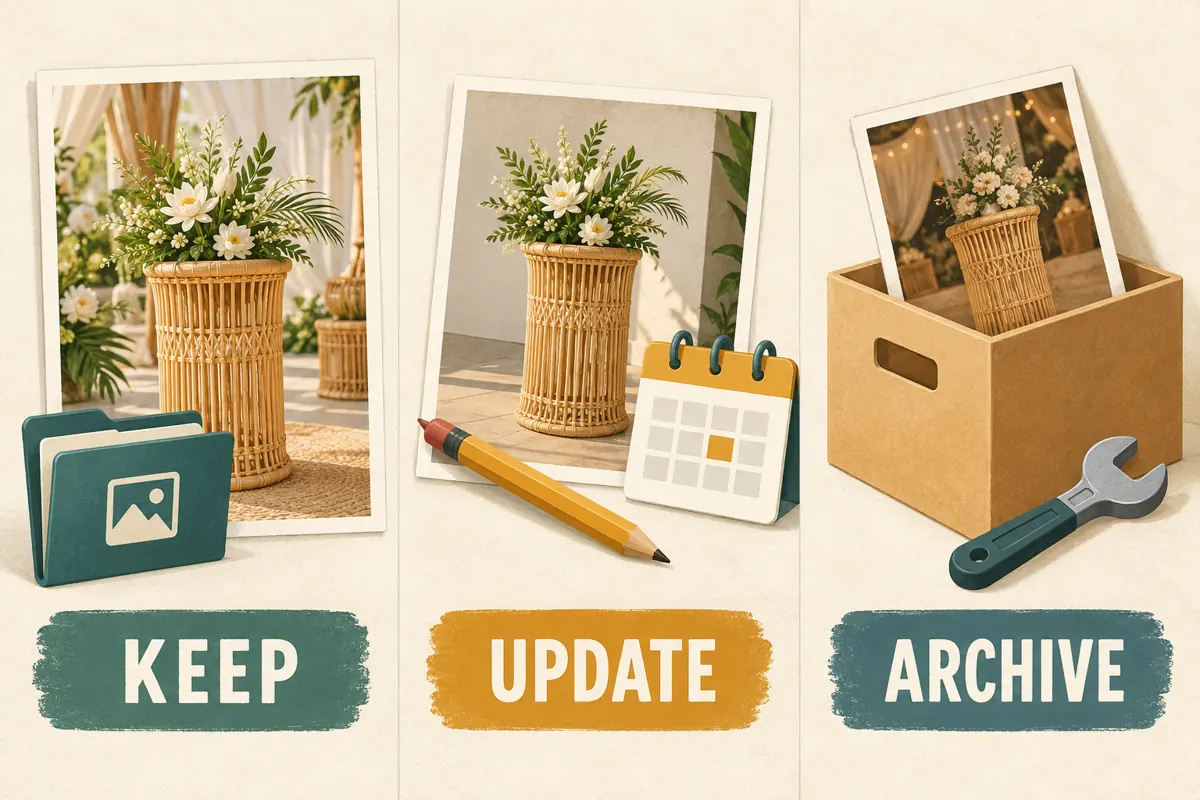
Keep a post when its purpose remains accurate. A clearly labelled photograph of a completed event may still belong in the portfolio even if individual props have changed. Update a post when a prominent availability note can resolve the problem without contradicting its main message. Consider archiving when the central offer is unavailable, the return date is uncertain, or the image itself contains a booking promise that a caption correction would be easy to miss.
Apply those choices to the hypothetical pedestal. A general styling photograph could remain with a clear explanation that it shows previous work. A post advertising the exact damaged pedestal for immediate rental is a stronger candidate for archiving. If only one weekend is booked and other dates remain open, an accurate date enquiry instruction may be sufficient. Availability is specific to the item and rental period; a single reservation does not necessarily make the entire product unsuitable for display.
3. Understand the archive before using it
Meta’s official announcement describes Instagram archiving as moving a shared feed post into a private space visible to its owner, with the option to show it on the profile again. Its documented post-level controls are the three-dot menu, Archive, and Show on Profile for restoration. The announcement is historical, so use the labels available in your current app rather than looking for its old navigation icons. The source is listed below.
Treat this as a visibility decision, not an inventory system. Maintain the repair status, responsible employee and next inspection date in the shop’s own working record. Also retain the original photo and approved wording in your normal asset storage. A social account should not be the only place where the business can find its product references. Before changing anything, make sure the selected photograph is the unavailable item rather than a similar pedestal that remains rentable.
4. Record the offer and check where it is promoted
Create a short record containing the item code, post reference, reason for review, decision owner and next review trigger. A useful hypothetical entry is: “Rattan pedestal RP-A; edge repair pending; stop offering this item; workshop inspection required before return.” Avoid filling the record with customer names or private conversation histories. Its purpose is to connect a physical stock decision to the correct public content.
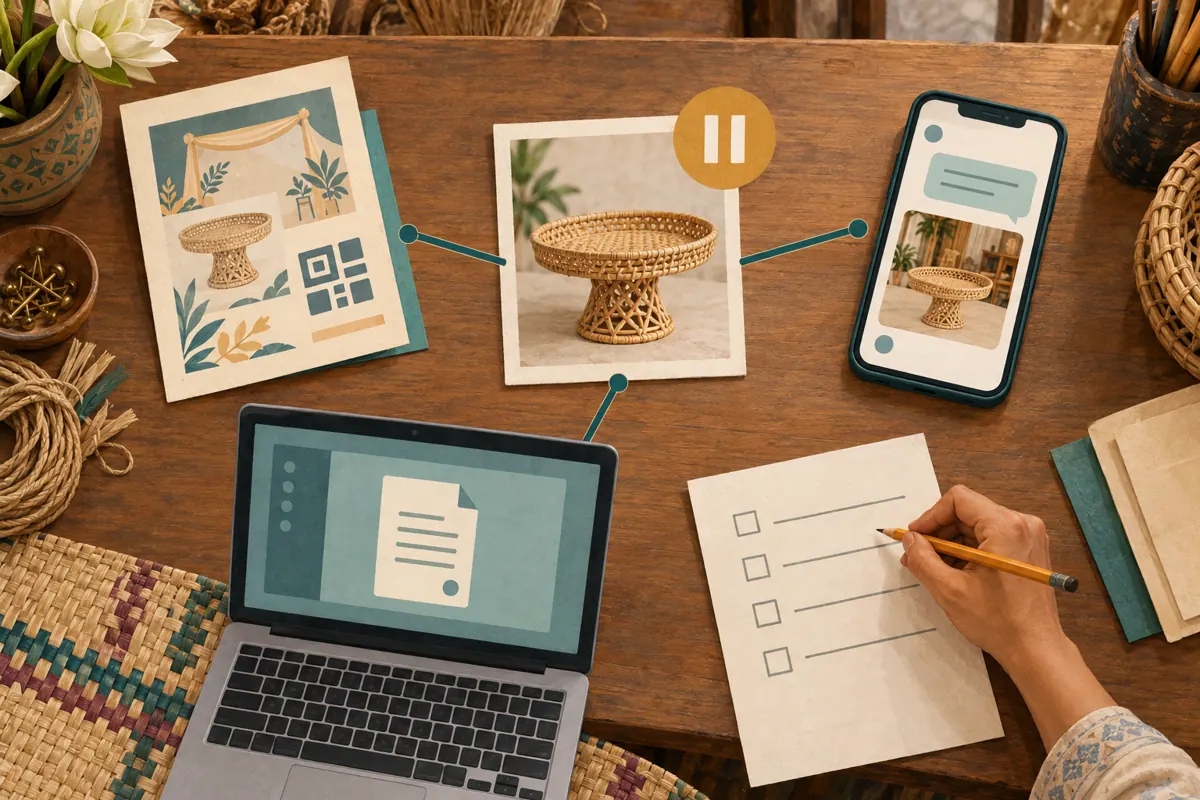
Next, look for places the team controls that direct people toward the offer: recent message templates, a website gallery, printed cards, scheduled promotional copy and any existing service request. Do not assume that changing one Instagram post updates these other materials. Replace obsolete references where practical and stop distributing printed material that promises unavailable stock. For something already sent to a customer, send an accurate availability explanation when it affects their enquiry rather than relying on them to discover the change.
5. Make the change and test the customer route
Have the staff member responsible for the account review the selected post and make the agreed change. Work on one item first, then verify the result before handling other posts. This is particularly useful when several props share similar colours or appear together in styled photographs. Record what was changed and when, using Cambodia local time so the workshop and booking desk can compare notes without converting timestamps.
Then ask a colleague using an ordinary viewing account to check the profile and the promotional route customers actually use. If a saved link no longer provides a useful destination, update the places where the shop still shares it. Avoid promising a particular error message or link behaviour. The practical question is whether a shopper can reach accurate information. Test the alternative post too: a working link is insufficient if its photograph shows another unavailable package.
6. Give existing enquirers a useful alternative
Archiving an offer does not resolve an enquiry already being discussed. Review open conversations connected to the affected item and explain the change plainly. In this hypothetical case, a suitable reply would be: “The rattan pedestal in that photo is currently being repaired. We cannot confirm it for your event. If you send your event date and display requirements, we can check other available pieces.” Use Khmer or the customer’s preferred language when replying.
Offer alternatives by relevant characteristics: height, finish, footprint, quantity and transport needs. Explain differences that the original photograph may conceal, including whether the replacement can support the intended display. Confirm the event location and delivery arrangements before proposing a substitute from another branch or supplier. Do not call an alternative identical simply because it has a similar colour. If the shop has already accepted a reservation, handle that commitment directly through its booking process.
7. Put SMM-panel planning behind the stock decision
Before considering a service listed on smm-cam.com, establish what content the shop is comfortable directing people toward. A profile can contain several attractive but unavailable offers. Increasing a visible account count would not correct those offers, explain a repair delay or make the booking desk ready to answer questions. The content and stock review therefore comes before any purchasing decision.
One exact public listing in the brief is “Instagram Followers ~ 𝗥𝗲𝗮𝗹 𝗔𝗰𝗰𝗼𝘂𝗻𝘁 ~ Max 300k ~ 100k/days ~ Instant ~ 𝐍𝐎 𝗥𝗘𝗙𝗜𝗟𝗟”. Its name identifies a follower service, but no supporting description was supplied. Treat the other wording as catalogue claims, not verified evidence of account authenticity, delivery speed or Cambodian audience composition. This article does not recommend buying it.
Purchased engagement is not evidence of genuine interest, sales, advertising delivery or Cambodian users. Meta’s official explanation of its action against fake-engagement sellers states that such behaviour violates its policies. If an existing panel request might be affected by a content change, review its actual terms and ask support a narrow question using the order reference. Do not assume cancellation, pausing, target replacement or refunds are available.
8. Restore only after checking the actual item
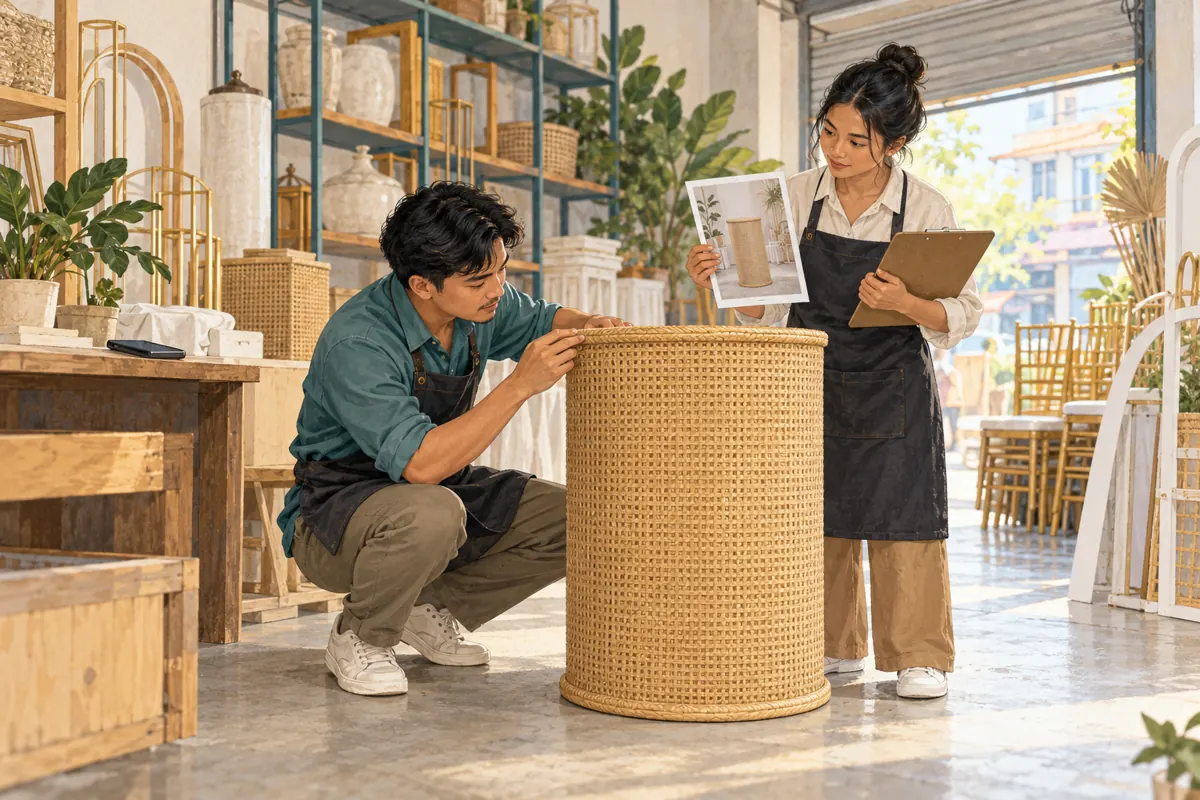
Use a physical inspection as the trigger for reconsidering the post. A repair estimate is not the same as a completed repair, and a completed repair is not automatically approval for rental use. The responsible person should check condition, appearance and suitability for the intended use. Compare the repaired item with the photograph: a changed finish or replacement component may make fresh photography more useful than returning the old offer unchanged.
Check the commercial details at the same time. Confirm the included pieces, current booking process, delivery scope and any price stated in the old material. Prepare corrected wording before making the offer visible again. If the original promise cannot be made accurate, leave that offer retired and create a new, truthful presentation. Restoring content should follow the stock decision; it should never be the reason staff feel pressured to promise an unfinished repair.
9. Avoid the mistakes that create repeat enquiries
One mistake is treating all product photographs as live inventory. That can lead staff to remove useful portfolio work whenever a single date becomes unavailable. Another is treating all photographs as harmless inspiration, even when the caption invites immediate booking of a specific set. Give each post a clear purpose so the team can distinguish historical examples, general styling ideas and current rental offers.
A further mistake is updating only the newest post. The same pedestal may appear in a package photograph or in a frequently reused reply. Search the shop’s own promotion records for those references. Avoid replacing the unavailable item with a different one without explaining the difference. Finally, do not judge the decision by follower changes or assume that fewer messages mean less demand. Fewer repetitive questions may simply reflect clearer information; inspect the actual enquiries before drawing conclusions.
10. Make the review small enough to repeat
Assign one person to confirm stock facts and another, where staffing allows, to check the public presentation. In a small shop, one owner can perform both roles at different moments: first inspect the item, then review the post from a customer’s perspective. Use concrete triggers such as damage discovered, repair completed, package changed or item permanently retired. These are more dependable than relying on someone to remember a general monthly cleanup.
At the next team review, examine a few affected enquiries. Did customers identify the correct replacement? Did staff still send the old photograph? Was any booking delayed because availability information was missing? Record the problem and the corrective action without inventing a conversion claim. The useful outcome is a more accurate route from photograph to stock check to reservation. That is a practical foundation for social promotion, regardless of whether the shop ever uses an SMM panel.
Frequently asked questions
Should we archive a prop whenever somebody books it?
Usually the decision needs more context. A rental item can be unavailable for one date and available for another. If the post clearly asks customers to check their event date, it may remain useful. Consider archiving when the overall offer becomes misleading, such as an uncertain repair period or permanent withdrawal.
Can we keep photographs of old event setups?
Yes, when their presentation accurately describes previous work. Explain that the photograph is a past setup and that current pieces and availability require confirmation. If the image itself advertises an exact package the shop cannot supply, a small caption note may not resolve the confusion. Review the entire presentation.
Will archiving cancel an SMM-panel order?
Do not assume any connection between an Instagram visibility change and a panel order. Check the actual service terms and existing order status, then ask support about that specific request if needed. Keep the item’s public availability accurate while handling the service question separately; no cancellation or refund capability is established by this brief.
What if the repaired prop looks different from the old photo?
Take a new reference photograph and compare the differences that matter to renters. Colour, dimensions, finish and included accessories can affect an event plan. If the old offer no longer represents what customers will receive, prepare a new presentation. A familiar photograph is not a sufficient reason to reuse inaccurate material.
How should we assess whether this workflow helped?
Review actual conversations for avoidable confusion: unavailable items requested, incorrect alternatives suggested or obsolete photos resent. Compare cases with similar booking circumstances and note other changes in the business. Engagement counts alone cannot show whether customers understood availability, and purchased counts should not be treated as evidence of rental demand.
Explore the current service catalogue, create an account, or ask a specific question through support tickets.
- Meta: Instagram announces Archive for previously shared feed posts
- Meta: Preventing Inauthentic Behavior on Instagram
Prepared with AI assistance. Illustrations explain the workflow and do not represent customer results.